

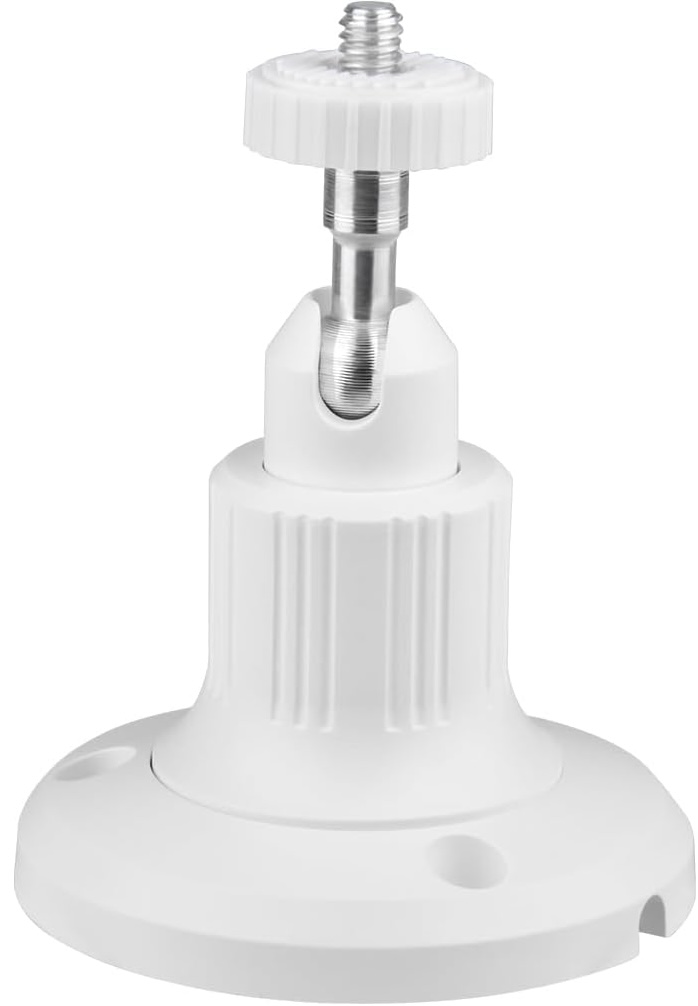
Wall/Ceiling Mount
Wall/Ceiling Mount
Regular price
$0.00 USD
Regular price
Sale price
$0.00 USD
Unit price
per
Couldn't load pickup availability
One AeroLamp = Six Traditional Air Purifiers

One AeroLamp provides approximately the same clean-air performance as six traditional consumer air purifiers, helping reduce clutter while delivering powerful whole-room air treatment.
Using Your Aerolamp

Your Aerolamp should be mounted at least 8.5 feet up.
You can use a microphone stand, tension rod, tripod, or anything else compatible with a 1/4" mount.

Position your Aerolamp in a ceiling corner, clearly visible from where people will spend time in the room
Ensure that nothing is blocking the light

Your Aerolamp should be tilted into the occupied space.
Try pointing it at the opposite corner of the room.
