


✓ Wall/Ceiling Mount Included
Aerolamp DevKit
Aerolamp DevKit
Couldn't load pickup availability
One AeroLamp = Six Traditional Air Purifiers

One AeroLamp provides approximately the same clean-air performance as six traditional consumer air purifiers, helping reduce clutter while delivering powerful whole-room air treatment.
222nm far-UVC light inactivates viruses, bacteria, mold, and allergens in the air
- Highly effective: One Aerolamp per 250 sq ft in a well-mixed room delivers 800 CFM of clean air, using the average measured far-UV susceptibility of airborne human coronavirus and influenza virus
- Long-lasting: Aerolamp will last up to 5 years of daily use (8 hours a day, 5 days a week)
- User-friendly: No professional installation required. Simply mount your Aerolamp on a telescoping stand, tripod, or wall bracket.
-
Flexible: The dimmable Aerolamp may be dimmed to 20%, 40% or 70%, reducing the UVC light output–ideal for low-ceilinged spaces or portable use.
Minimum mounting height & far-UVC safety
| Product / Dim Level | Minimum Mounting Height |
| Basic Aerolamp | 8 ft, 6 in (2.6 meters) |
| Dimmable Aerolamp: 100% | 8 ft, 6 in (2.6 meters) |
| Dimmable Aerolamp: 70% | 8 ft (2.45 meters) |
| Dimmable Aerolamp: 40% | 7 ft, 6 in (2.3 meters) |
| Dimmable Aerolamp: 20% | 7 ft (2.15 meters) |
If these guidelines are followed, Aerolamp can be safely used indefinitely without exceeding the “recommended limits” per the relevant governing body, in this case, the ACGIH, which created Threshold Limit Values for far-UVC exposure.
Human presence detection: Aerolamp comes with an optional mmwave radar human presence detection feature. If enabled, Aerolamp will shut off if human presence is detected too close to the lamp. Note that this feature is not a replacement for appropriate use; always mount your Aerolamp at the appropriate minimum mounting height, and avoid looking directly into the light from up close.
Technical Specifications
- Total far-UVC output: 100 mW
- Input power: 12.9 W (12V, 2.5A)
- Bulb Lifetime (L70): 10,000+ hours
- Emitter: Care222 Filtered Far-UVC B1 Module
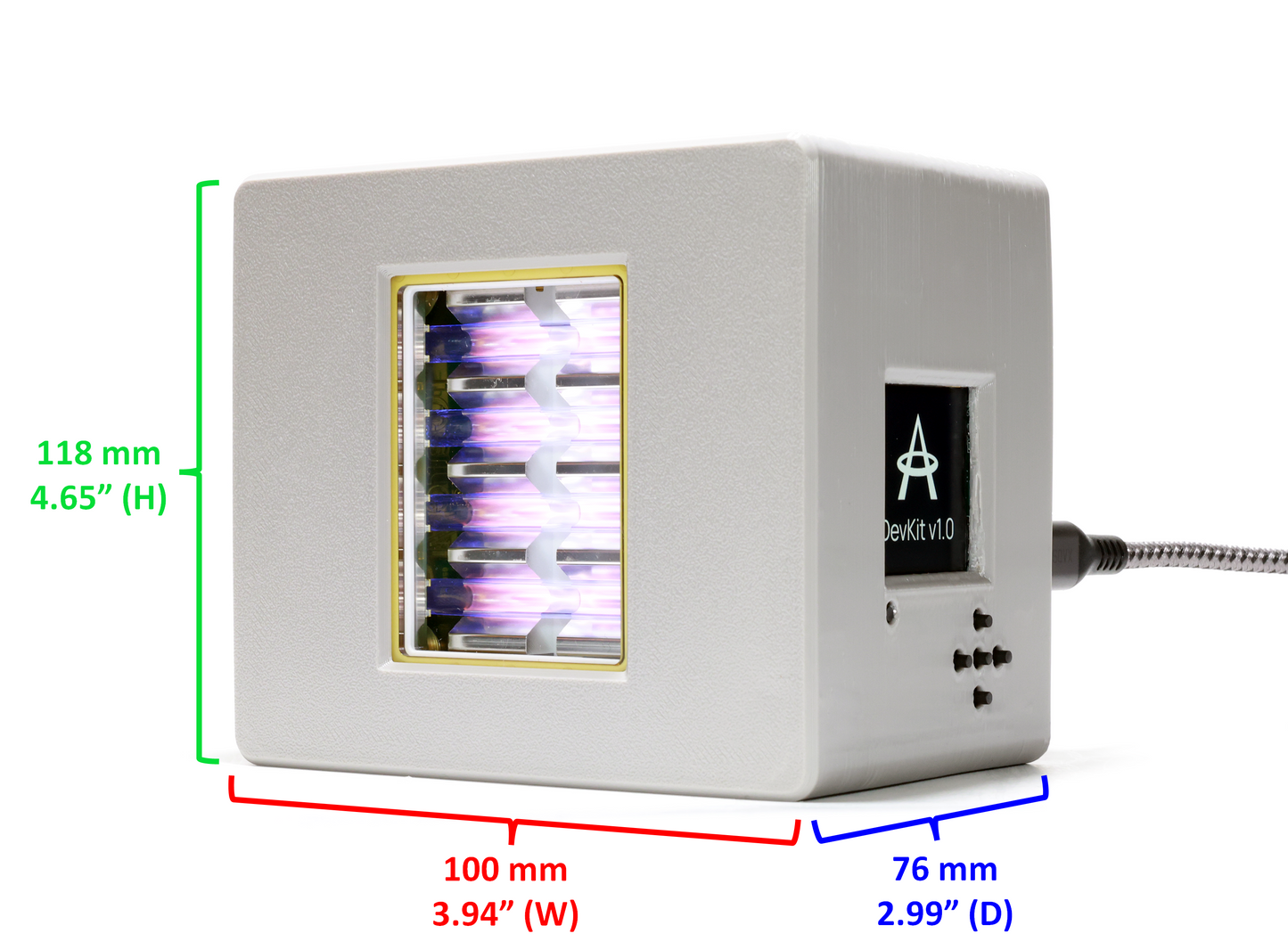
- Dimensions (w x h x d): 100 x 118 x 76 mm (3.94 x 4.65 x 2.99 in)
- Weight: 450 g (1 lb)
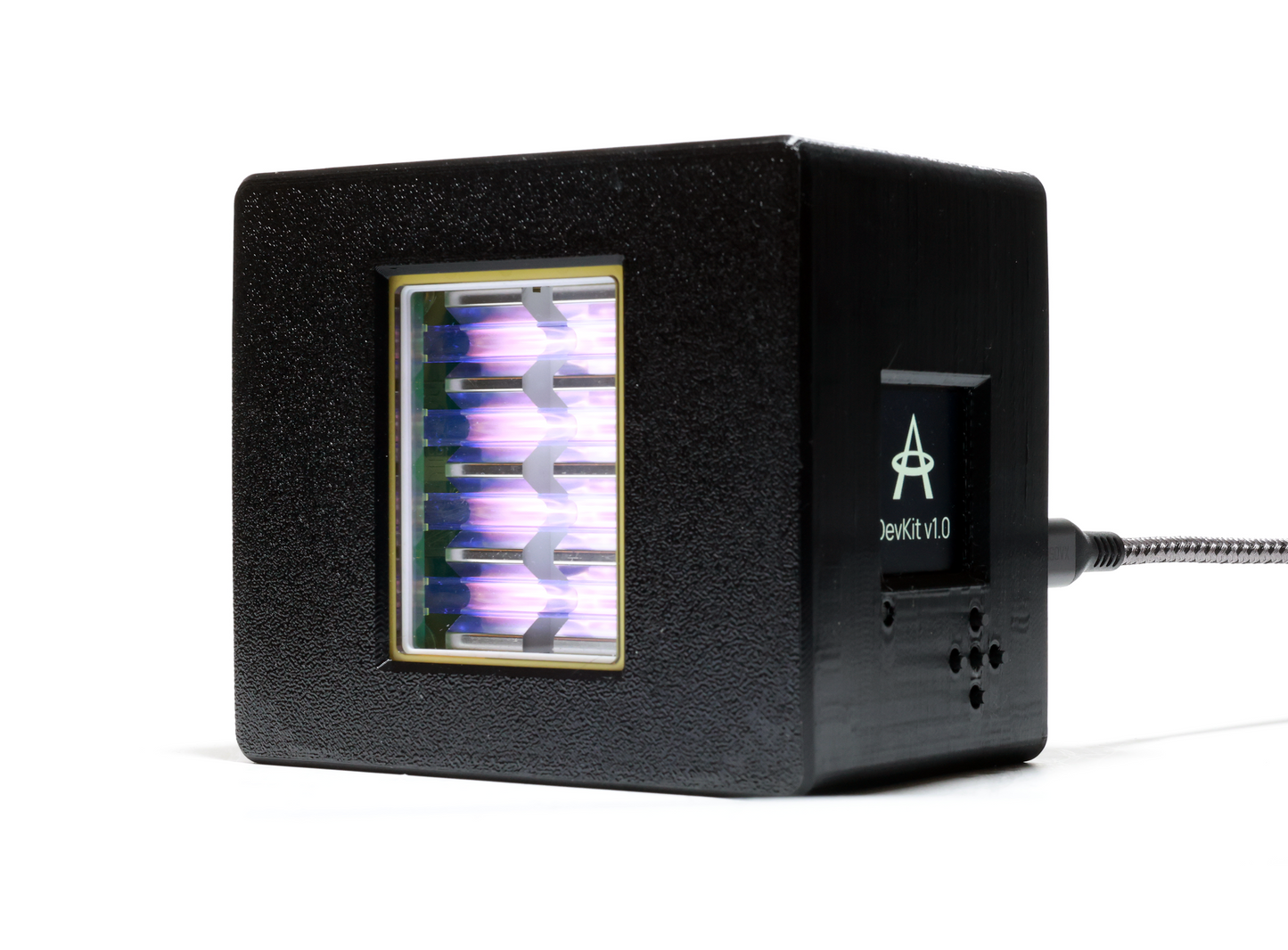
The DevKit is an early-access development kit version of Aerolamp. As the Aerolamp DevKit is a 3D-printed product, there may be slight imperfections in color and finish of the case.


Using Your Aerolamp

Your Aerolamp should be mounted at least 8.5 feet up.
You can use a microphone stand, tension rod, tripod, or anything else compatible with a 1/4" mount.

Position your Aerolamp in a ceiling corner, clearly visible from where people will spend time in the room
Ensure that nothing is blocking the light

Your Aerolamp should be tilted into the occupied space.
Try pointing it at the opposite corner of the room.
